If you own a Volkswagen, Audi, SEAT, or Skoda, investing in a VAGCOM VCDS (VAG Diagnostic System) cable is one of the best decisions you can make for vehicle maintenance, diagnostics, and coding. However, before purchasing a hardware version (such as version 19.6.1), it is vital to understand the vehicle compatibility limits, technical prerequisites, and strict installation rules required to prevent software lockouts.
This comprehensive guide covers everything you need to know about purchasing, installing, and using your VCDS cable successfully, along with resources for the latest software updates.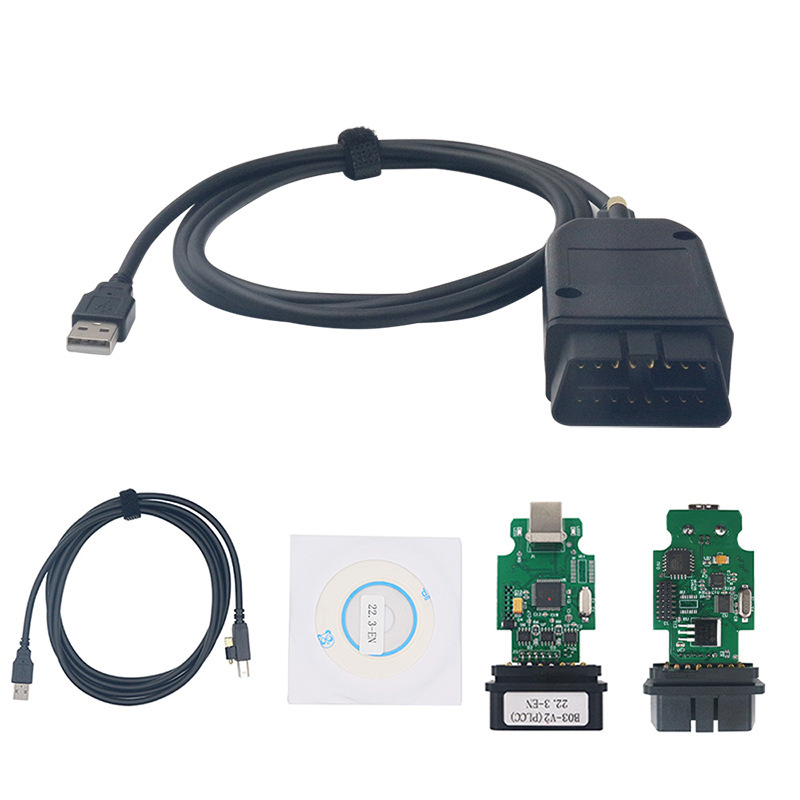
Understanding your car's model year is the most critical factor when choosing a diagnostic cable:
1996 to 2017 Models: This hardware version (typically Hardware 19.6.1) fully supports most VAG vehicles manufactured between 1996 and 2017.
2017 Onwards (Post-2017): For newer vehicles utilizing modern electronics and protocols, standard older cables will not work properly. You must purchase a genuine V2 version to ensure compatibility.
Volkswagen (VW): Cars, SUVs, and vans (Golf, Jetta, Passat, Tiguan, Touareg, Polo, etc.)
Audi: Full range from A-series, Q-series, to TT and R8 models.
SEAT: Ibiza, Leon, Ateca, Toledo, and more.
Skoda: Octavia, Fabia, Superb, Kodiaq, Karoq, etc.
Note: For a detailed breakdown of specific supported chassis codes and modules, you can review the complete list of VCDS car models available on obd2sky.com.
VCDS software requires precise installation steps to function correctly. Failing to follow these steps can cause the software license or cable firmware to lock up.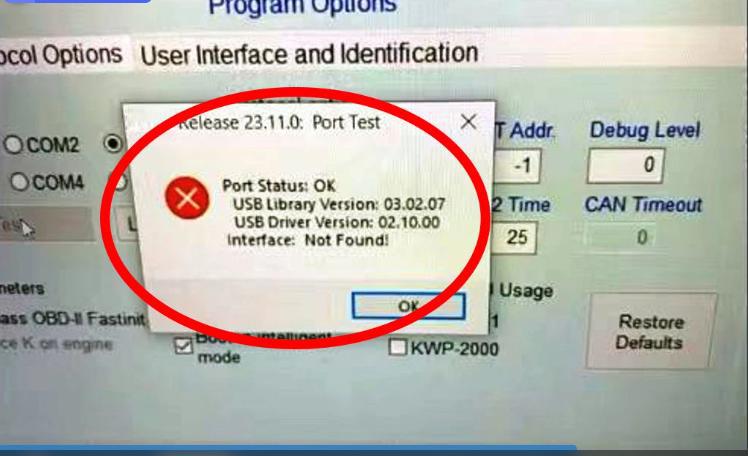
Disable Antivirus & Firewall: Temporarily turn off your computer's antivirus software and Windows Firewall prior to running the installer.
Disconnect from the Internet: Ensure your PC is entirely disconnected from Wi-Fi or Ethernet networks during both the installation and active usage phases.
Language Note: These diagnostic packages are designed for global English versions. There is no Chinese version available for this firmware; please do not purchase if you require localized domestic or Chinese versions.
What to do if locked: If an error image appears indicating the software is locked, do not panic. Contact your supplier immediately to request the appropriate repair/unlock tool.
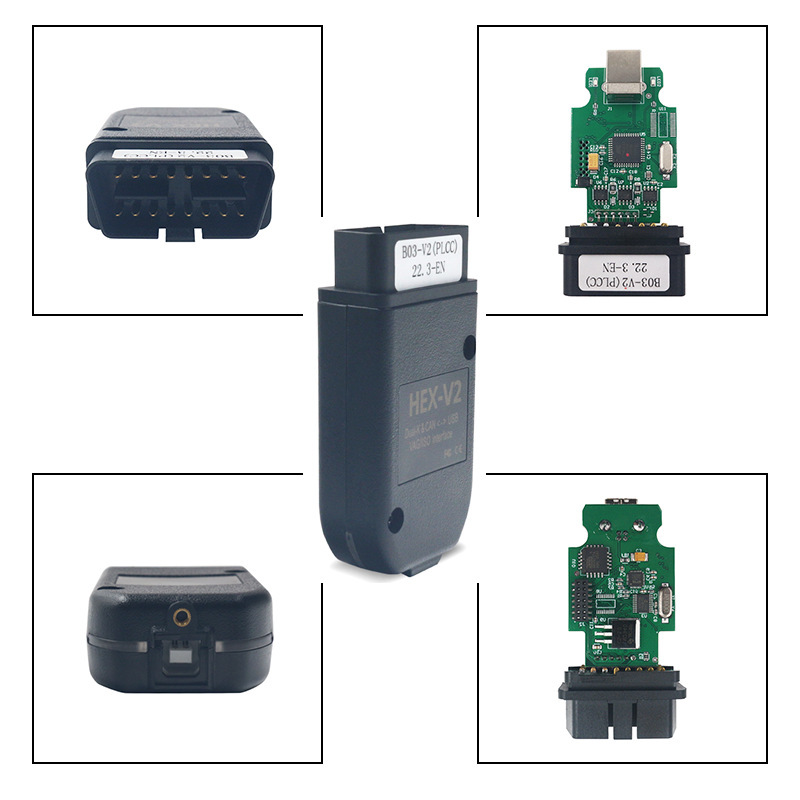
Many first-time users encounter connection issues due to simple oversight of hardware specs:
USB 2.0 vs. USB 3.0: VCDS cables require a USB 2.0 port. They do not reliably support PC USB 3.0 ports. If your laptop only has USB 3.0 ports, you may need an external USB 2.0 hub or an older machine.
Car Connection is Mandatory for LEDs: The LED on the cable will not light up when simply plugged into a computer's USB port. The cable must be physically plugged into the vehicle's OBD-II port with the ignition turned on for power to flow and the LED to illuminate.
Pre-Testing & System Compatibility: While suppliers rigorously test all cables before shipping, variations in individual buyer PC operating systems (Windows 7, 10, 11) and vehicle configurations mean 100% universal compatibility cannot be guaranteed out-of-the-box.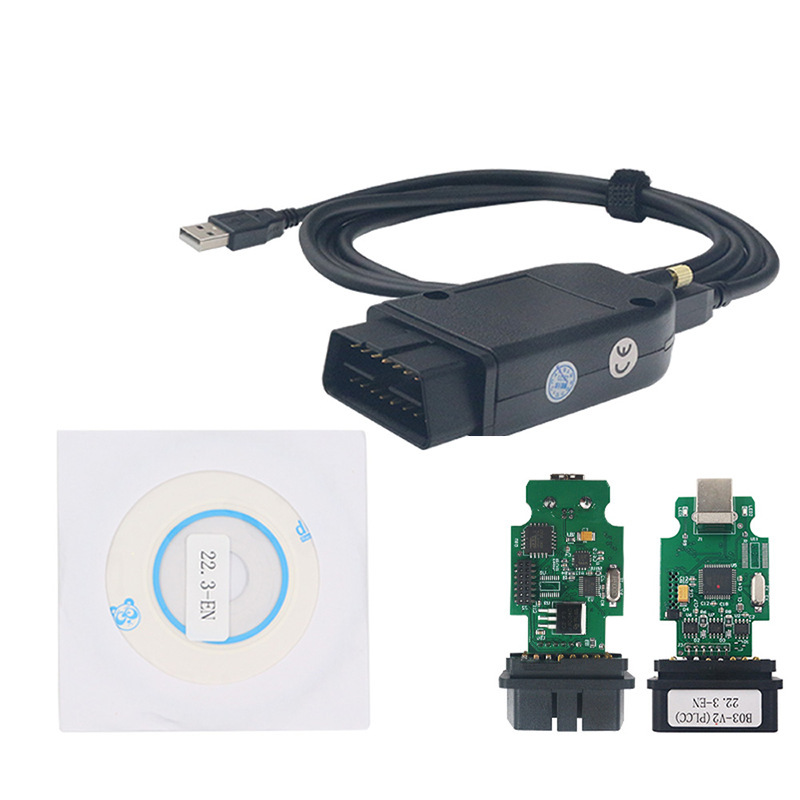
Physical transport can be tough on optical media.
Damaged CDs: CDs included in package shipments are easily scratched or cracked during transit. If your computer cannot read the included disc, there is no need to worry or leave negative feedback—simply reach out to request a digital direct download link.
Looking for the Latest Software? If you are looking to update your diagnostic capabilities, obd2sky provides free download links for VCDS 26.03 software alongside a comprehensive directory of supported VCDS car models.
VCDS Software V26.03 Free Download
Verify your car model is between 1996 and 2017.
Ensure you have a laptop with a USB 2.0 port (or adapter).
Be prepared to turn off your firewall and antivirus during setup.
Bookmark obd2sky.com for accessible VCDS 26.03 software updates and compatibility lists.